LLM Icon Finder Skill
Find any AI / LLM brand icon — Claude, OpenAI, Gemini, Grok, Mistral, Meta, NVIDIA and 100+ more. SVG and PNG, light and dark variants. By @daymade.
By daymade
Source: github.com
Install
npx degit daymade/claude-code-skills/llm-icon-finder ~/.claude/skills/llm-icon-finder
llm-icon-finder is a small but daily-useful skill: when you’re writing
a comparison post, building a benchmark dashboard, or making a slide
that lists AI providers, you need the official brand logos, in the
right format, at the right size.
What’s covered
- 100+ AI / LLM brands — major labs, hardware vendors, dev tools
- Multiple formats — SVG (vector) and PNG (raster)
- Light / dark variants — works on any background
- Square / wordmark — both available where the brand provides them
Where it shines
- Comparison blog posts — “ChatGPT vs Claude vs Gemini” type articles
- Benchmark dashboards — show which model produced which result
- AI tool roundups — like this very site
- Pitch decks — when you’re listing competitors or tech stack
- Technical documentation — product matrices
Why it’s worth a skill (vs just googling)
Brand logos are easy to find but hard to find clean — most search results give you pixelated PNGs scraped from blog posts. Official press kits are scattered. This skill knows where each brand keeps its press assets and pulls the right file.
Example prompt
Use llm-icon-finder to grab the Claude, OpenAI, and Gemini logos
in SVG, dark variant, square aspect ratio. Save to ./assets/.
Related skills
Algorithmic Art Skill
Generative art via p5.js — flow fields, particle systems, layered noise. Outputs an interactive sketch, not a static image.
Anthropic Brand Guidelines Skill
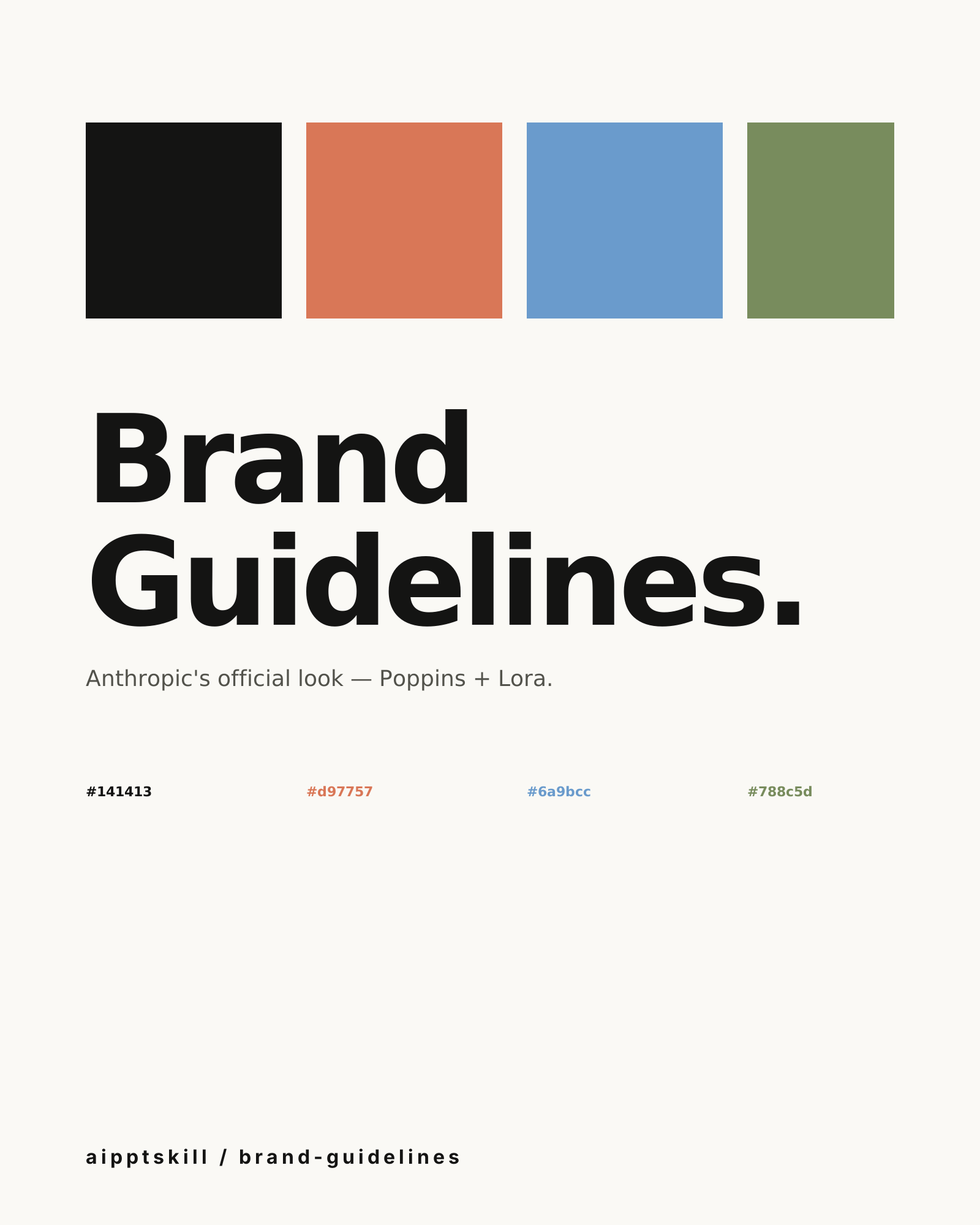
Apply Anthropic's official colors and typography to any artifact. Poppins for headings, Lora for body, three accent colors that won't fight each other.
Capture Screen Skill
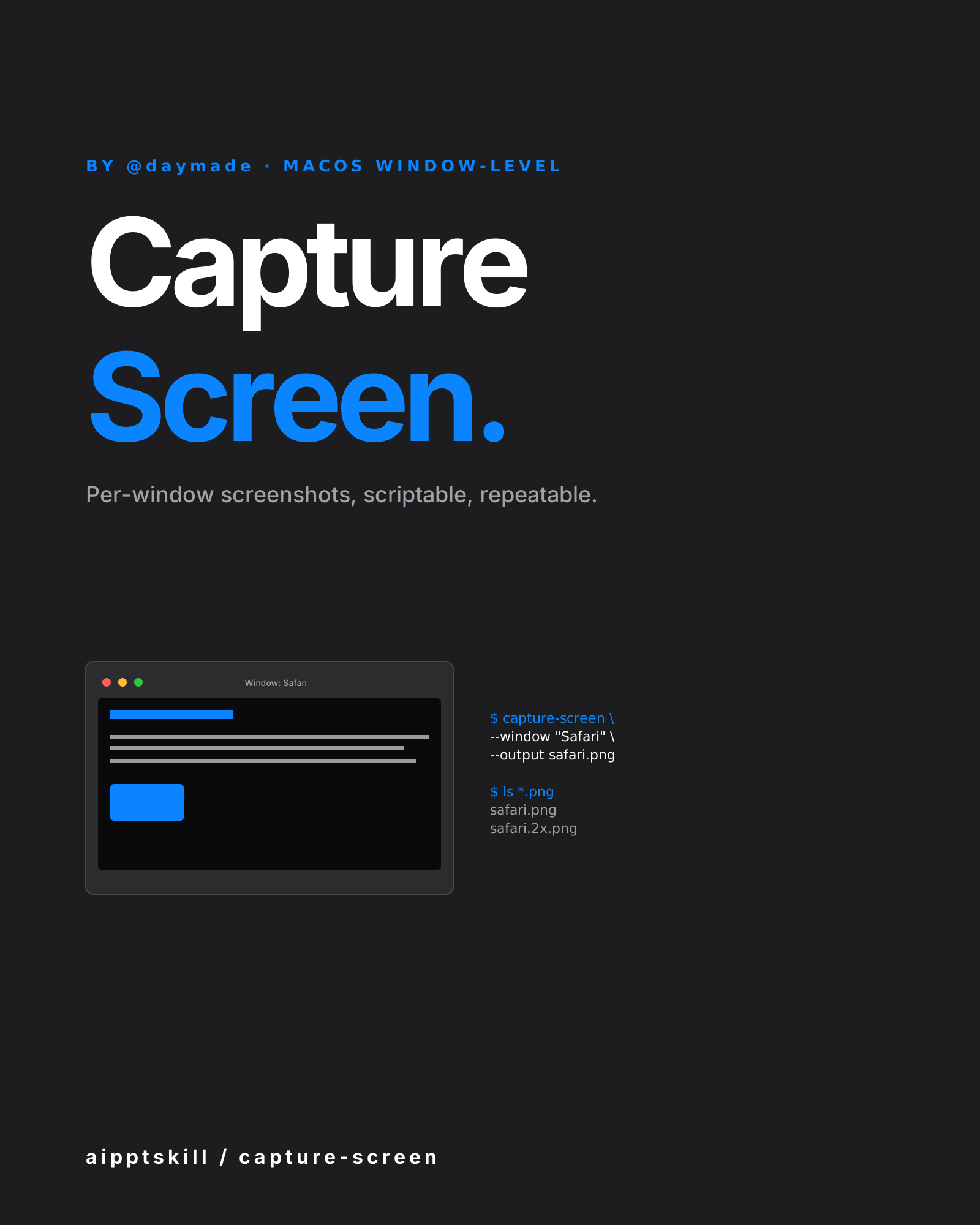
macOS window-level screenshot automation. Per-window capture, scriptable, repeatable. By @daymade.
More from daymade
Capture Screen Skill
macOS window-level screenshot automation. Per-window capture, scriptable, repeatable. By @daymade.
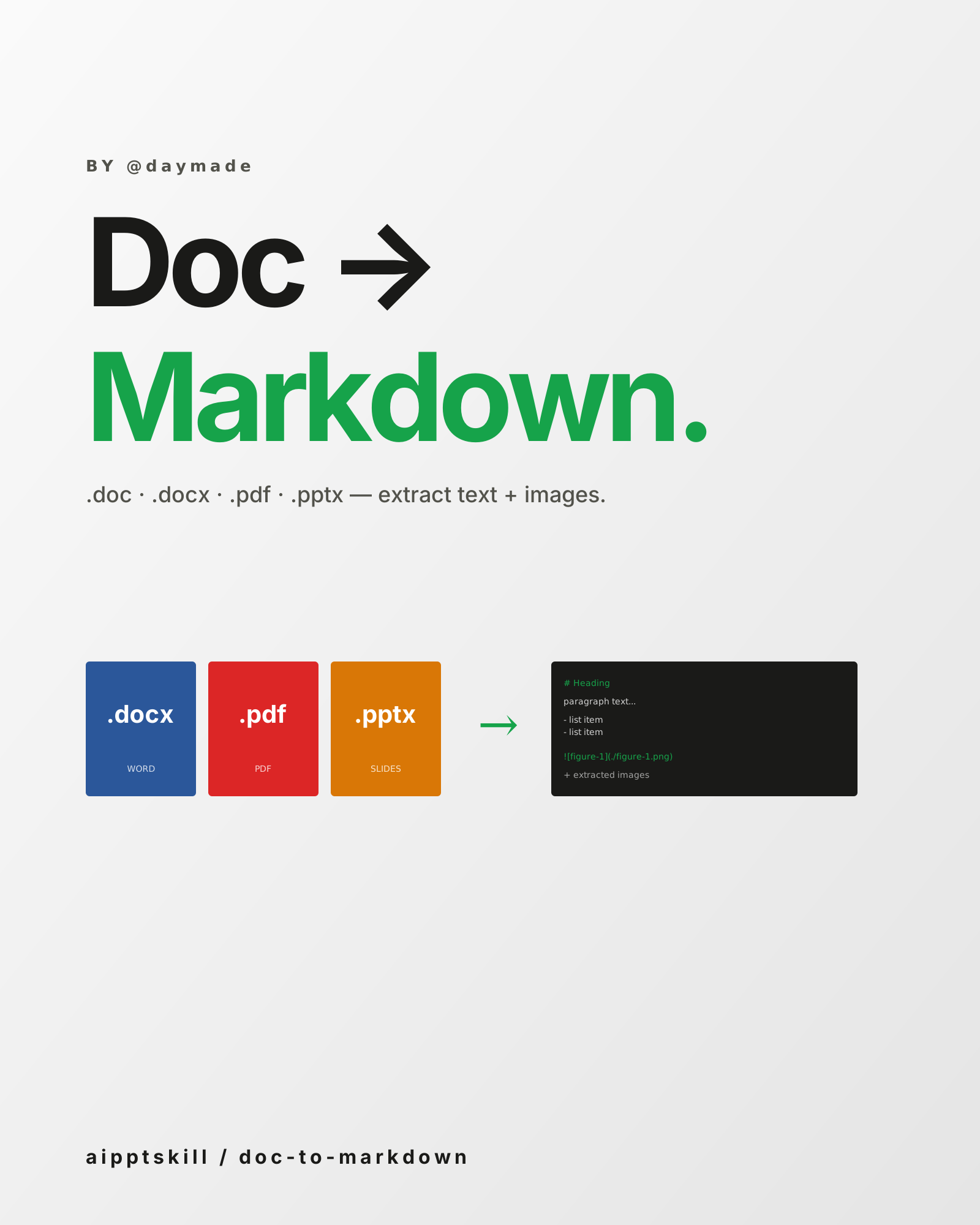
Doc to Markdown Skill
Convert .doc / .docx / .pdf / .pptx into clean Markdown — extract text, preserve structure, save embedded images. By @daymade.
CLI Demo Generator Skill
Programmatic terminal-recording for README files and documentation. Powered by VHS — write a script, get a perfect GIF every time. By @daymade.