Doc to Markdown Skill
Convert .doc / .docx / .pdf / .pptx into clean Markdown — extract text, preserve structure, save embedded images. By @daymade.
By daymade
Source: github.com
Install
npx degit daymade/claude-code-skills/doc-to-markdown ~/.claude/skills/doc-to-markdown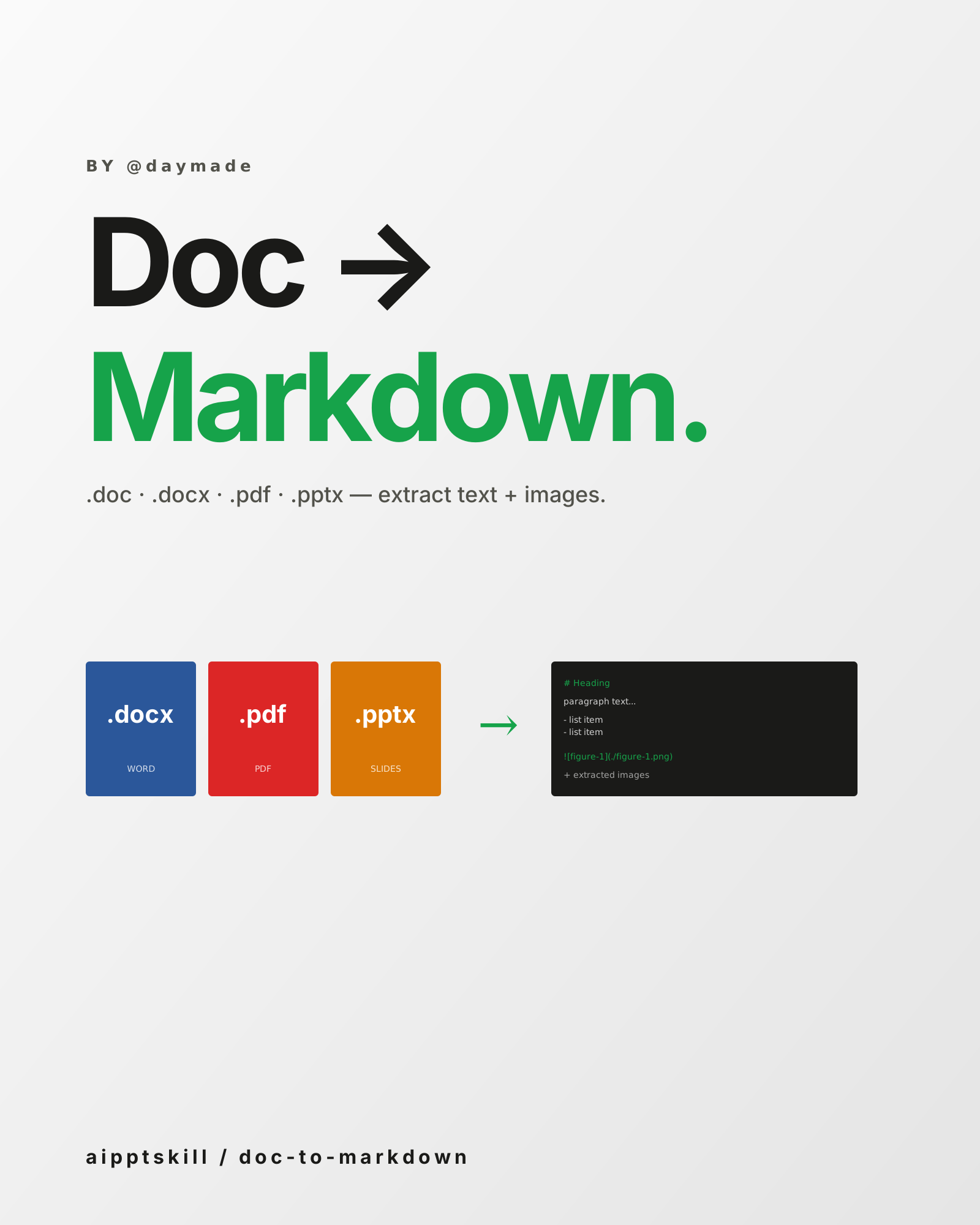
doc-to-markdown is the inverse of pdf-creator and docx: when you
already have a document and want it in plain Markdown — for editing,
republishing, archiving, or feeding into another AI workflow.
Supported inputs
.doc— legacy Word format.docx— modern Word.pdf— text-based or scanned (with OCR fallback).pptx— slide content extracted as Markdown sections
What’s preserved
- Heading hierarchy — H1 / H2 / H3 from styled headings
- Lists — bulleted and numbered
- Tables — as Markdown tables
- Embedded images — extracted to a
./figures/folder, referenced by relative path - Footnotes / endnotes — preserved as markers
Where it shines
- Migrating content from old Word / PDF docs into a Markdown-based system
- Republishing archived material on new platforms
- Feeding AI workflows that prefer Markdown input
- Preparing for translation — Markdown round-trips translation tools cleanly
Composes with
pdf-creator— convert Markdown back to PDF if neededwechat-article-writer— clean source material for a new articlehumanizer-zh— strip AI-detection signatures from extracted text
Example prompt
Use doc-to-markdown to convert this 60-page consultancy report (.docx)
into Markdown. Save embedded images to ./figures/. Preserve the heading
hierarchy and footnote markers.
Related skills
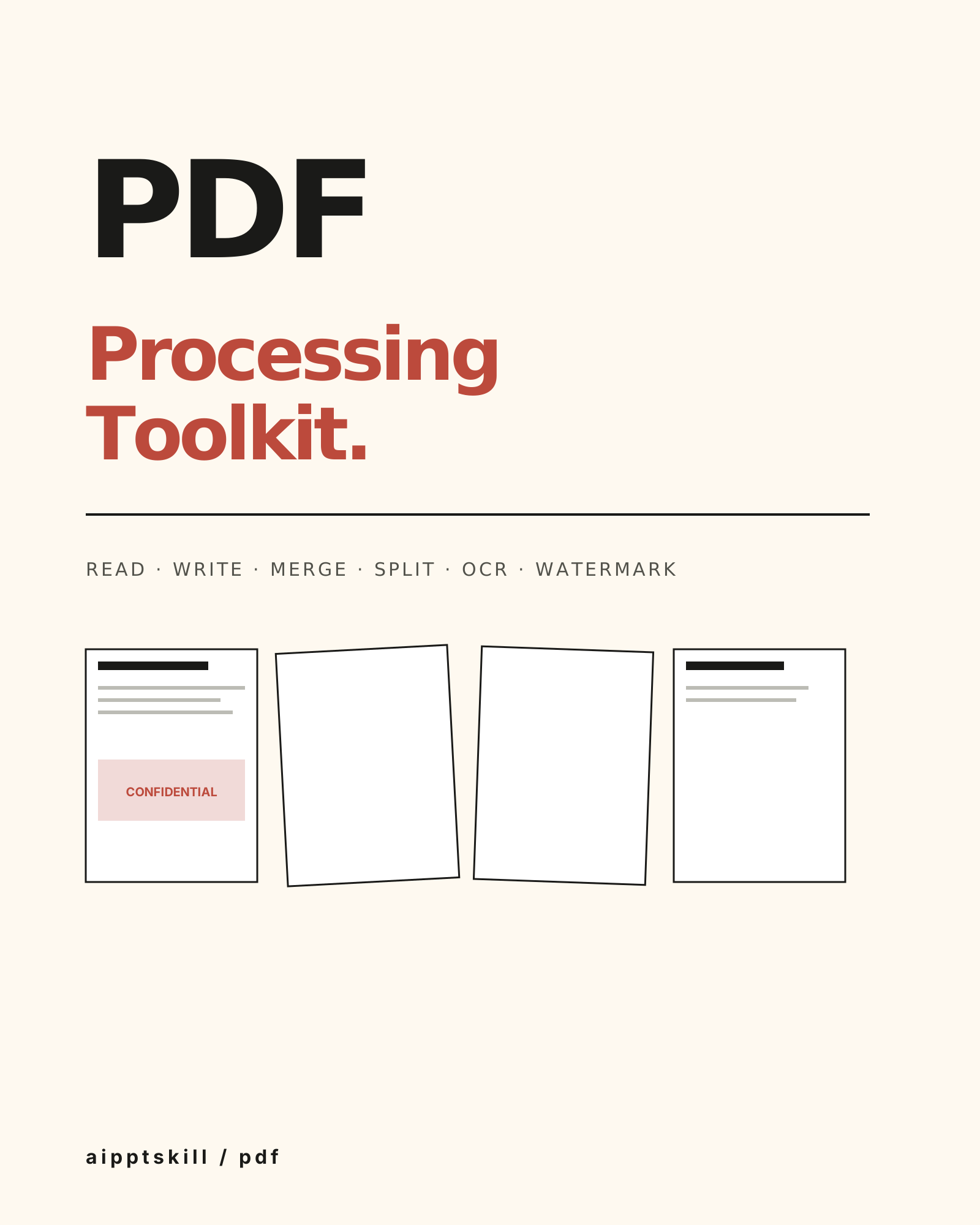
Anthropic PDF Skill
Full-stack PDF — read, write, merge, split, watermark, encrypt, fill forms, OCR. The Swiss army knife for anything .pdf-shaped.
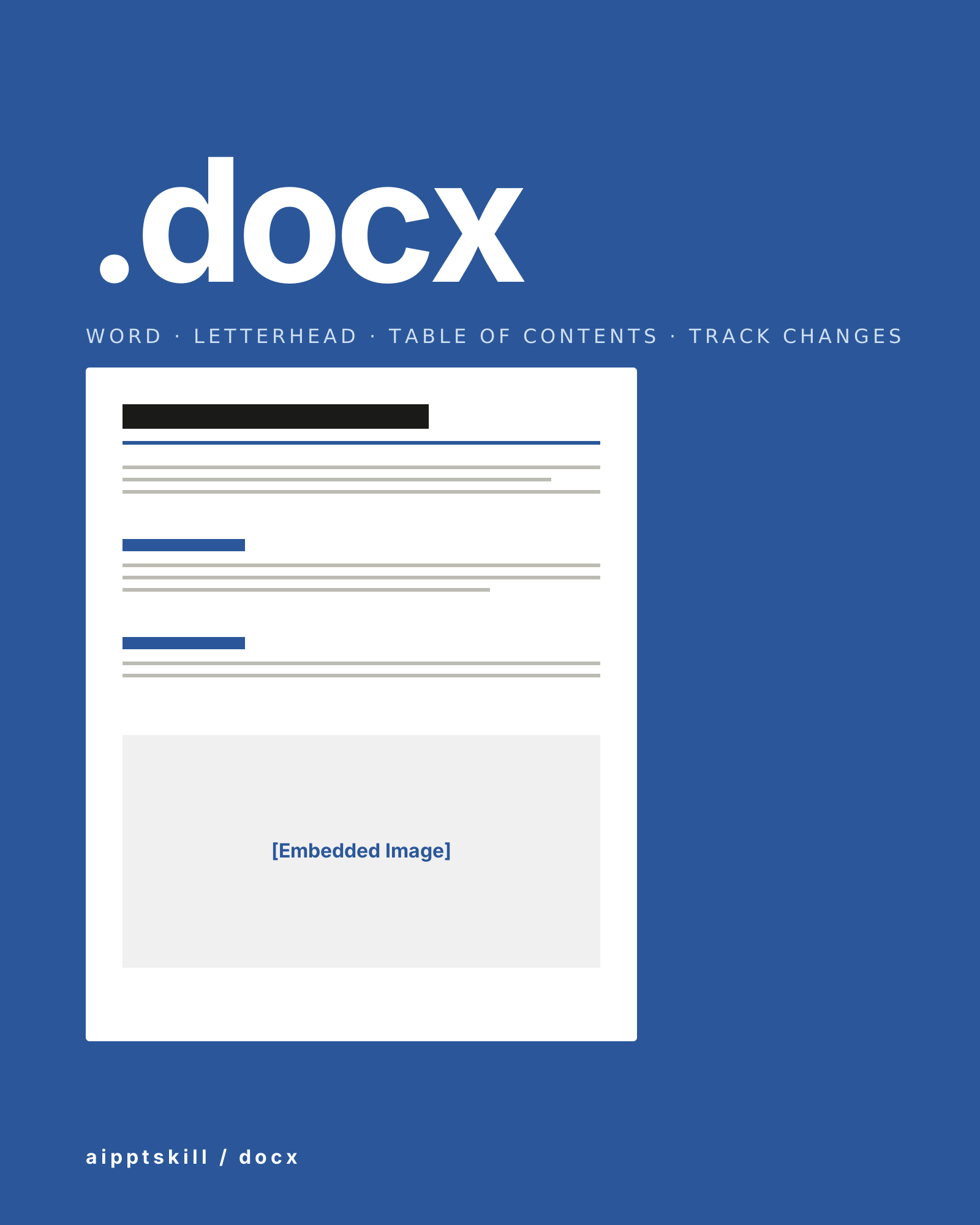
Anthropic DOCX Skill
Create, read, edit, and analyze Word documents — table of contents, headings, page numbers, letterheads, tracked changes, comments, image insertion. The full .docx toolkit.
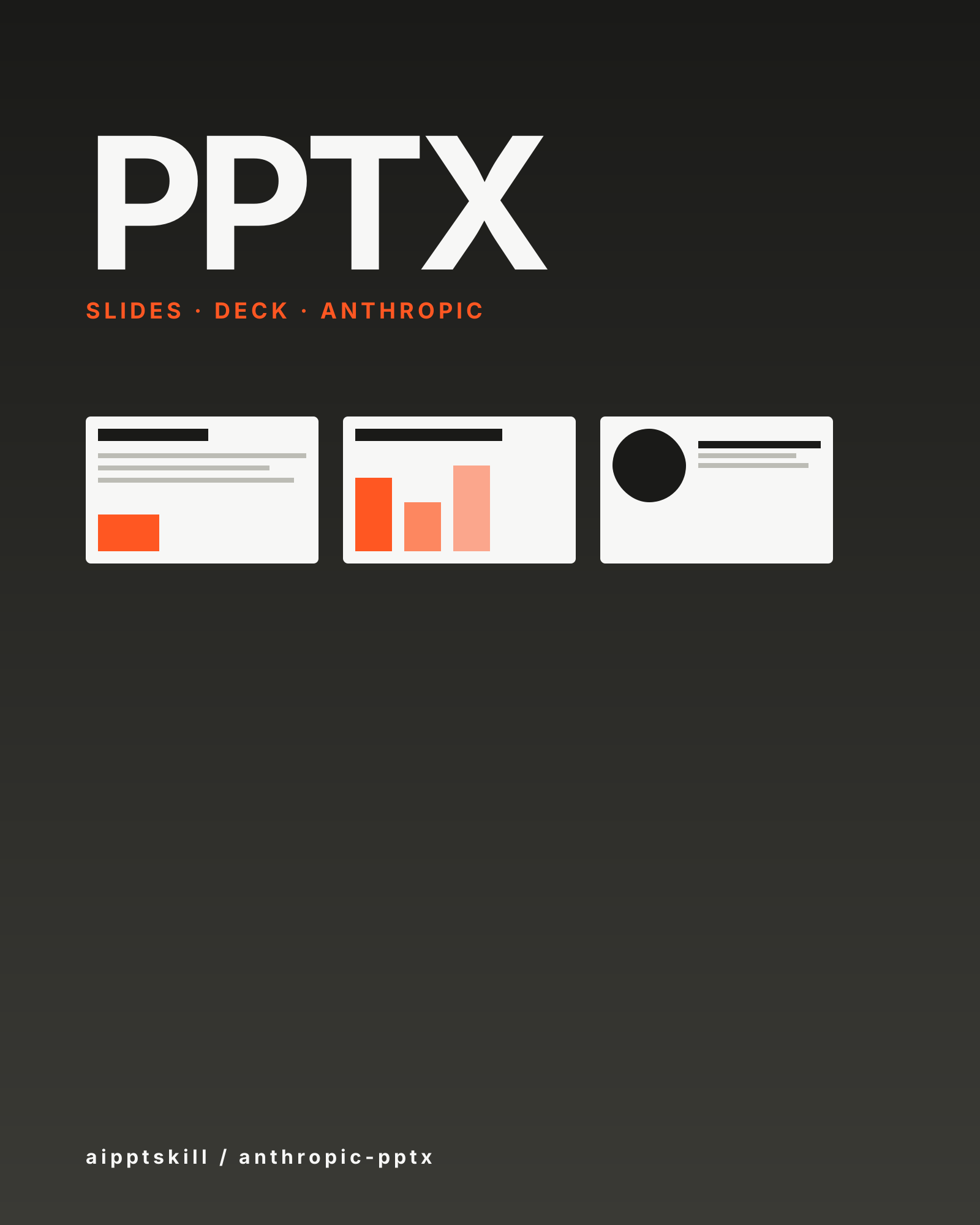
Anthropic PPTX Skill
Generate, read, and edit .pptx decks — speaker notes, layouts, and tables included.
More from daymade
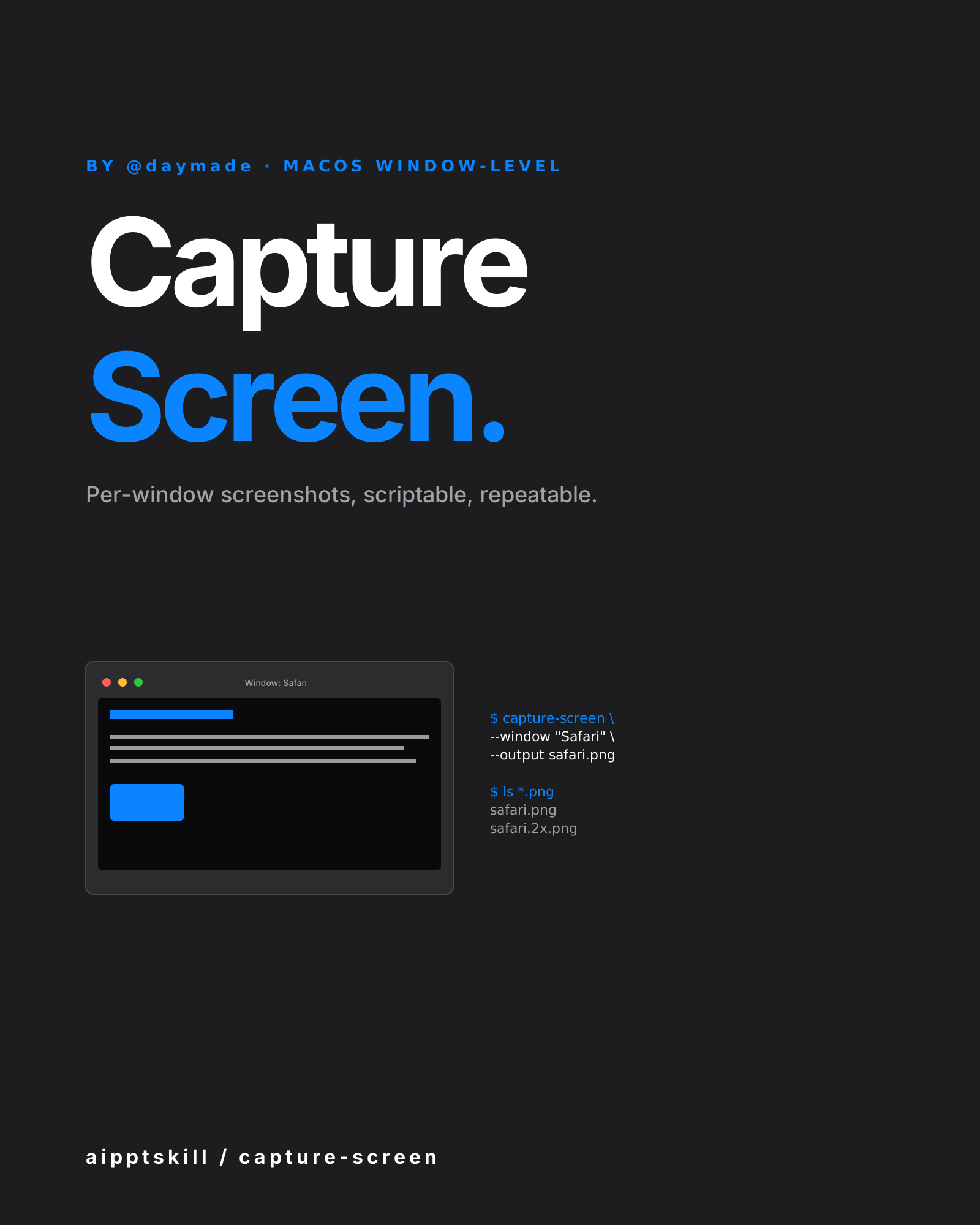
Capture Screen Skill
macOS window-level screenshot automation. Per-window capture, scriptable, repeatable. By @daymade.
CLI Demo Generator Skill
Programmatic terminal-recording for README files and documentation. Powered by VHS — write a script, get a perfect GIF every time. By @daymade.
LLM Icon Finder Skill
Find any AI / LLM brand icon — Claude, OpenAI, Gemini, Grok, Mistral, Meta, NVIDIA and 100+ more. SVG and PNG, light and dark variants. By @daymade.