Capture Screen Skill
macOS window-level screenshot automation. Per-window capture, scriptable, repeatable. By @daymade.
By daymade
Source: github.com
Install
npx degit daymade/claude-code-skills/capture-screen ~/.claude/skills/capture-screen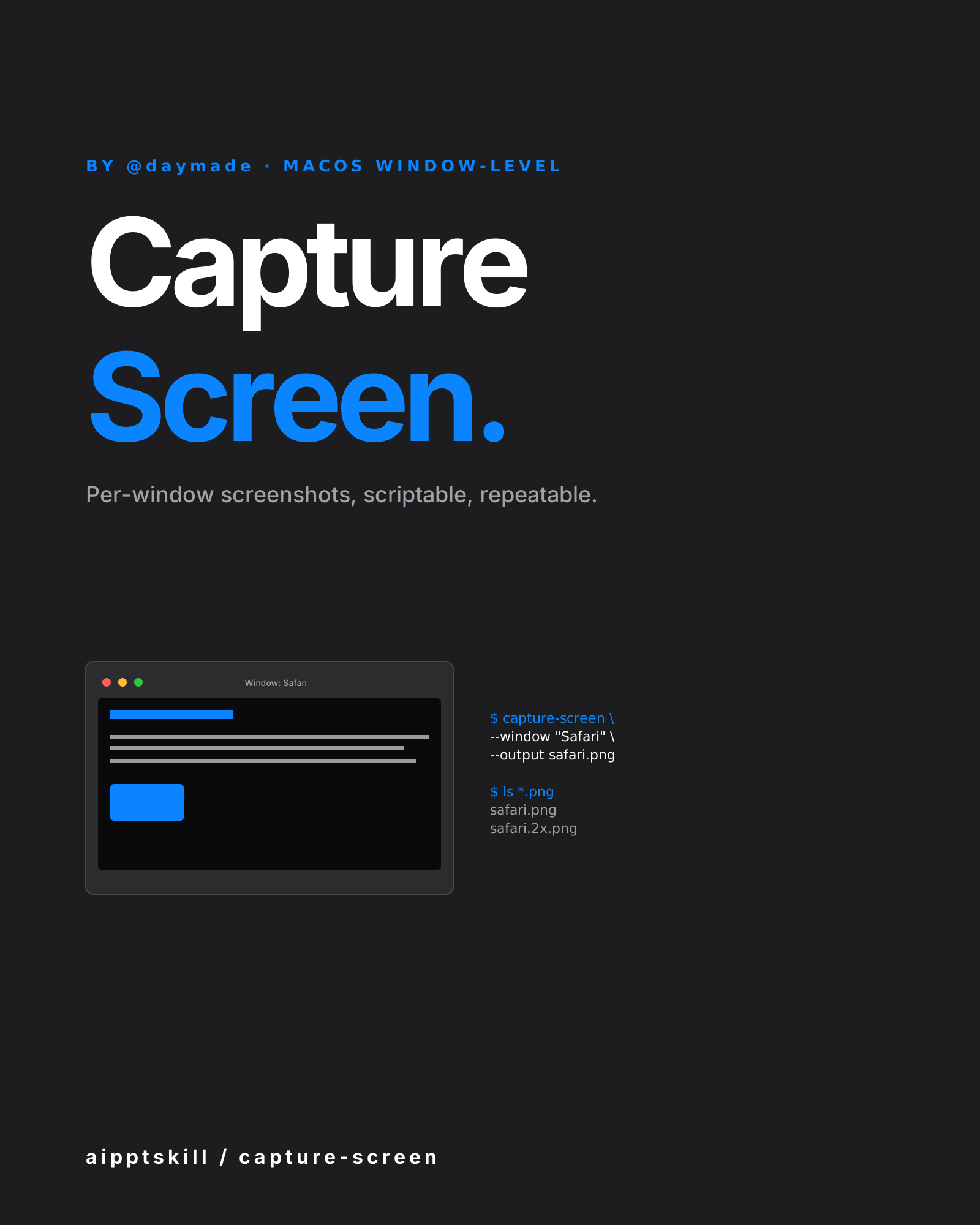
capture-screen solves macOS’s screenshot quirks: the built-in tools
either grab the whole screen, a clumsy region selector, or interactive
mode that breaks scripts. This skill does window-level capture
programmatically — name a window, get a clean PNG.
What’s automatable
- Window-level — capture exactly one app window, no surrounding chrome
- Multiple windows — grab several at once for side-by-side compositions
- Retina-aware — 2x or 3x density preserved
- Cropping — automatically trim shadows, title bars optionally
- Scriptable — repeatable in CI / docs pipelines
Where it shines
- Documentation screenshots — same crop every release
- README hero images — programmatically refreshed
- Comparison content — “before / after” or “competitor A vs B”
- Marketing material updates — refresh product shots without manual work
- Bug reports — capture the exact window in question
Composes with
cli-demo-generator— record terminal demoswechat-article-writer— embed shots into articlespdf-creator/pptx— drop into documents and decks
Example prompt
Use capture-screen to grab a screenshot of just the Safari window
(not the whole desktop), output as 2x retina PNG. Then capture the
Terminal window, output side-by-side composition.
Related skills
Algorithmic Art Skill
Generative art via p5.js — flow fields, particle systems, layered noise. Outputs an interactive sketch, not a static image.
CLI Demo Generator Skill
Programmatic terminal-recording for README files and documentation. Powered by VHS — write a script, get a perfect GIF every time. By @daymade.
LLM Icon Finder Skill
Find any AI / LLM brand icon — Claude, OpenAI, Gemini, Grok, Mistral, Meta, NVIDIA and 100+ more. SVG and PNG, light and dark variants. By @daymade.
More from daymade
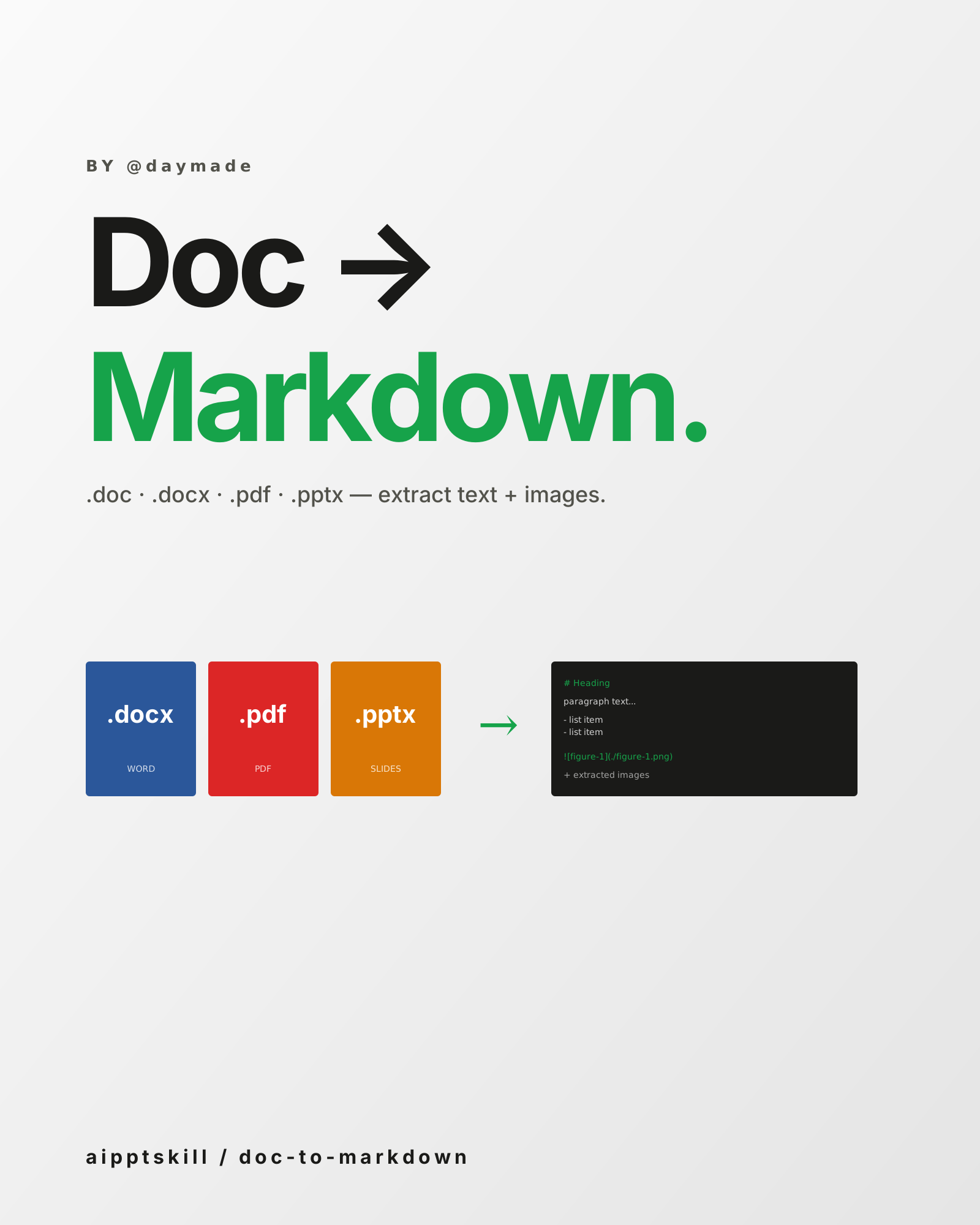
Doc to Markdown Skill
Convert .doc / .docx / .pdf / .pptx into clean Markdown — extract text, preserve structure, save embedded images. By @daymade.
CLI Demo Generator Skill
Programmatic terminal-recording for README files and documentation. Powered by VHS — write a script, get a perfect GIF every time. By @daymade.
LLM Icon Finder Skill
Find any AI / LLM brand icon — Claude, OpenAI, Gemini, Grok, Mistral, Meta, NVIDIA and 100+ more. SVG and PNG, light and dark variants. By @daymade.