CLI Demo Generator Skill
Programmatic terminal-recording for README files and documentation. Powered by VHS — write a script, get a perfect GIF every time. By @daymade.
By daymade
Source: github.com
Install
npx degit daymade/claude-code-skills/cli-demo-generator ~/.claude/skills/cli-demo-generator
cli-demo-generator solves the “show, don’t tell” problem of CLI tools.
Hand-recording terminal demos is fragile — typos, wrong timing,
window-size drift. This skill scripts the recording so it’s reproducible.
How it works
Built on top of VHS — you write a
small .tape script describing what to type, what to wait for, what to
show, and the skill renders it to GIF / MP4 / WebM.
What’s automatable
- Keystrokes — exact typing, with realistic timing
- Waits —
Sleep 2sbetween commands so viewers can read - Window sizing — fixed dimensions so output looks the same every run
- Themes — Dark / Light / custom color palette
- Output format — GIF (universal), WebM (smaller), MP4 (highest quality)
Where it shines
- README hero GIFs — “see what this tool does in 10 seconds”
- Documentation — show command sequences for tutorials
- Twitter / X posts — terminal demos go viral when polished
- Internal demos — explain a workflow without scheduling a Zoom
Why it’s worth a skill (vs just asciinema)
asciinema is great for sharing live recordings, but the output is HTML + JSON — not a GIF you can drop into a README. VHS produces actual files you can ship.
Example prompt
Use cli-demo-generator to record a 15-second demo of `pnpm install`,
`pnpm dev`, then opening localhost:4321 in a browser tab. Output a
README-quality GIF, dark theme, monospace font.
Related skills
Algorithmic Art Skill
Generative art via p5.js — flow fields, particle systems, layered noise. Outputs an interactive sketch, not a static image.
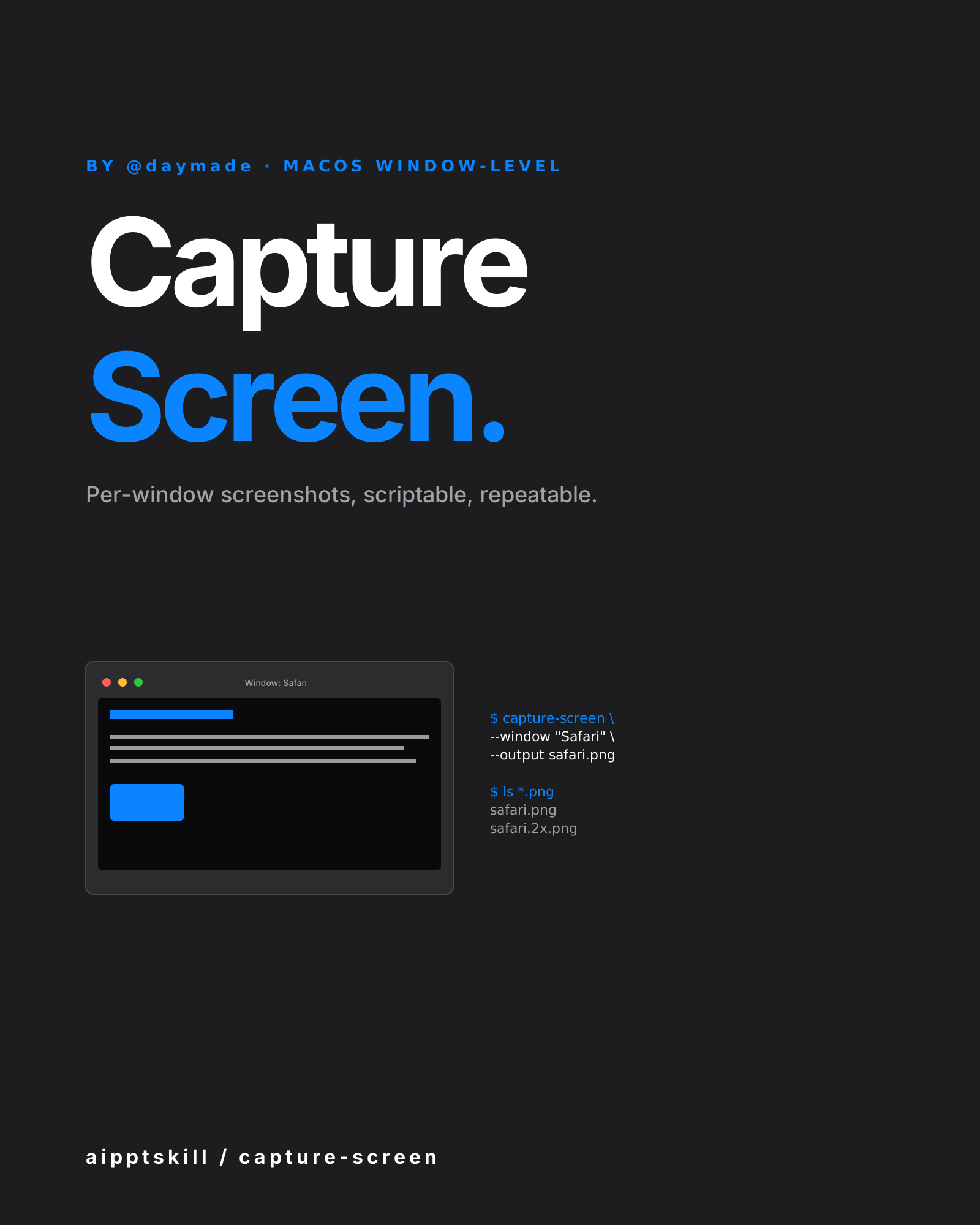
Capture Screen Skill
macOS window-level screenshot automation. Per-window capture, scriptable, repeatable. By @daymade.
LLM Icon Finder Skill
Find any AI / LLM brand icon — Claude, OpenAI, Gemini, Grok, Mistral, Meta, NVIDIA and 100+ more. SVG and PNG, light and dark variants. By @daymade.
More from daymade
Capture Screen Skill
macOS window-level screenshot automation. Per-window capture, scriptable, repeatable. By @daymade.
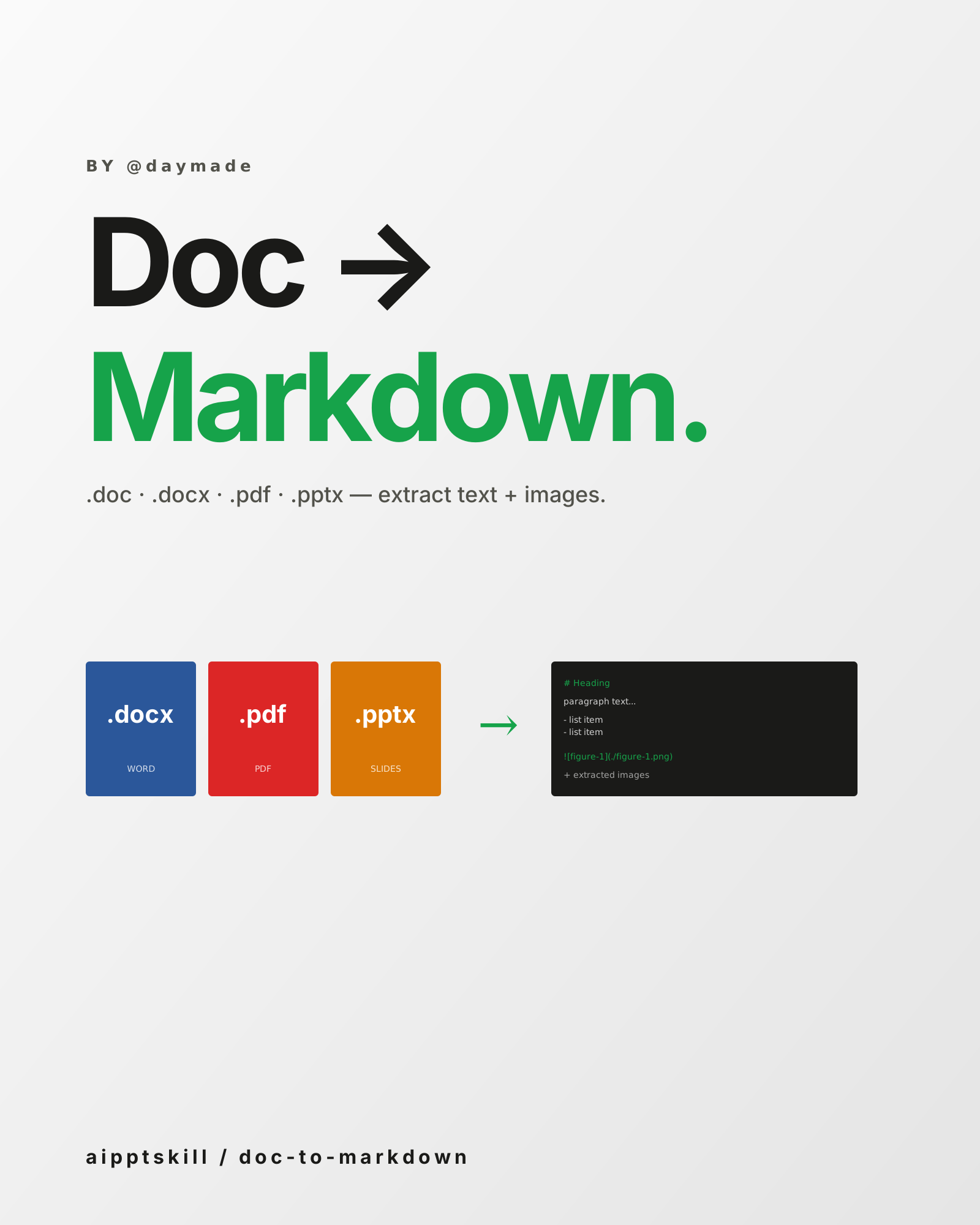
Doc to Markdown Skill
Convert .doc / .docx / .pdf / .pptx into clean Markdown — extract text, preserve structure, save embedded images. By @daymade.
LLM Icon Finder Skill
Find any AI / LLM brand icon — Claude, OpenAI, Gemini, Grok, Mistral, Meta, NVIDIA and 100+ more. SVG and PNG, light and dark variants. By @daymade.