Draw.io Architecture Diagram Skill
Generate Draw.io diagrams for ML models, network architectures, and algorithm flows. Two modes — generate from scratch or transfer-style from a reference image. By 小帅同学 (@xstongxue).
Source: github.com
Install
npx degit xstongxue/best-skills/skills/drawio-diagram ~/.claude/skills/drawio-diagram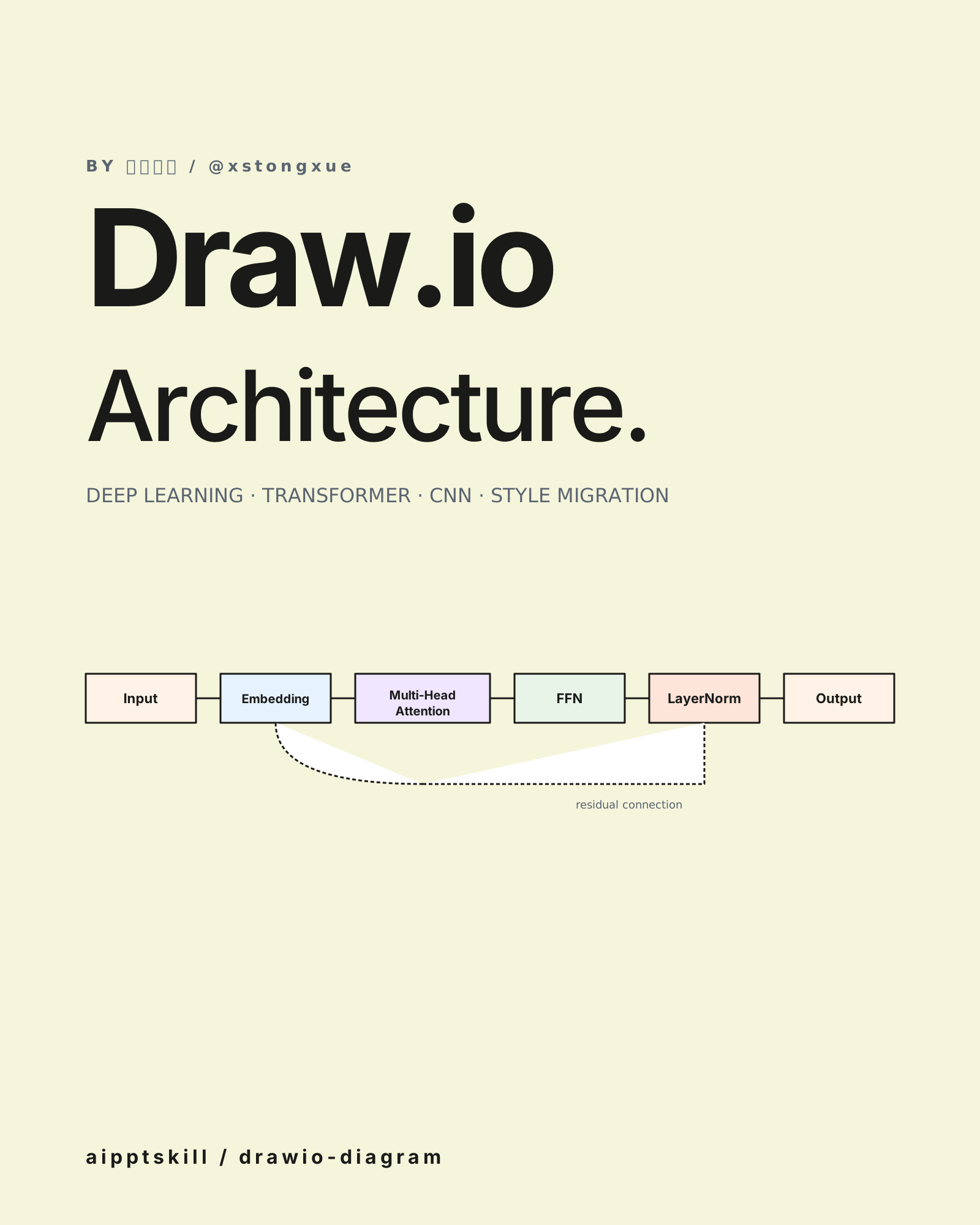
drawio-diagram is the formal sibling of excalidraw-diagram. Output is
standard .drawio XML — opens in app.diagrams.net, the VS Code extension,
or Confluence’s Draw.io integration. Editable, not flattened.
Two modes
| Mode | Trigger |
|---|---|
| Generate from scratch | ”draw an architecture diagram”, “visualize this model” |
| Style migration | User provides a reference image + content; output mimics the reference’s layout, palette, and style |
What it gets right
- Strict XML correctness — properly closed tags, escaped specials, sequential IDs
- Standard mxfile structure with mxGraphModel, root, vertex/edge cells
- ML-aware shapes — knows how to depict attention heads, conv layers, residual connections, normalization
Where it shines
- Academic papers that need formal architecture diagrams
- Tech blogs that need consistent visual styling across posts
- Documentation where you’d be using Draw.io anyway
Style migration tip
If your team has a “house style” (specific palette, specific shape vocabulary), take a screenshot of one existing diagram, give it to the skill alongside the new content, and it’ll match. Useful for keeping a thesis or report’s diagrams visually consistent.
Pairs with
excalidraw-diagram— when you want hand-drawn vibe insteadpptgen-drawio— embed these diagrams into the deck- Confluence / Notion — both render Draw.io natively
Example prompt
Use drawio-diagram to visualize a Transformer encoder block:
Input → Embedding → Multi-Head Attention → FFN → LayerNorm → Output.
Show residual connections as dashed lines. Layered top-down layout.
Related skills

Frontend Design Skill
Distinctive, production-grade web interfaces. React + Tailwind + shadcn/ui by default. Avoids generic AI aesthetics.
Excalidraw Diagram Skill
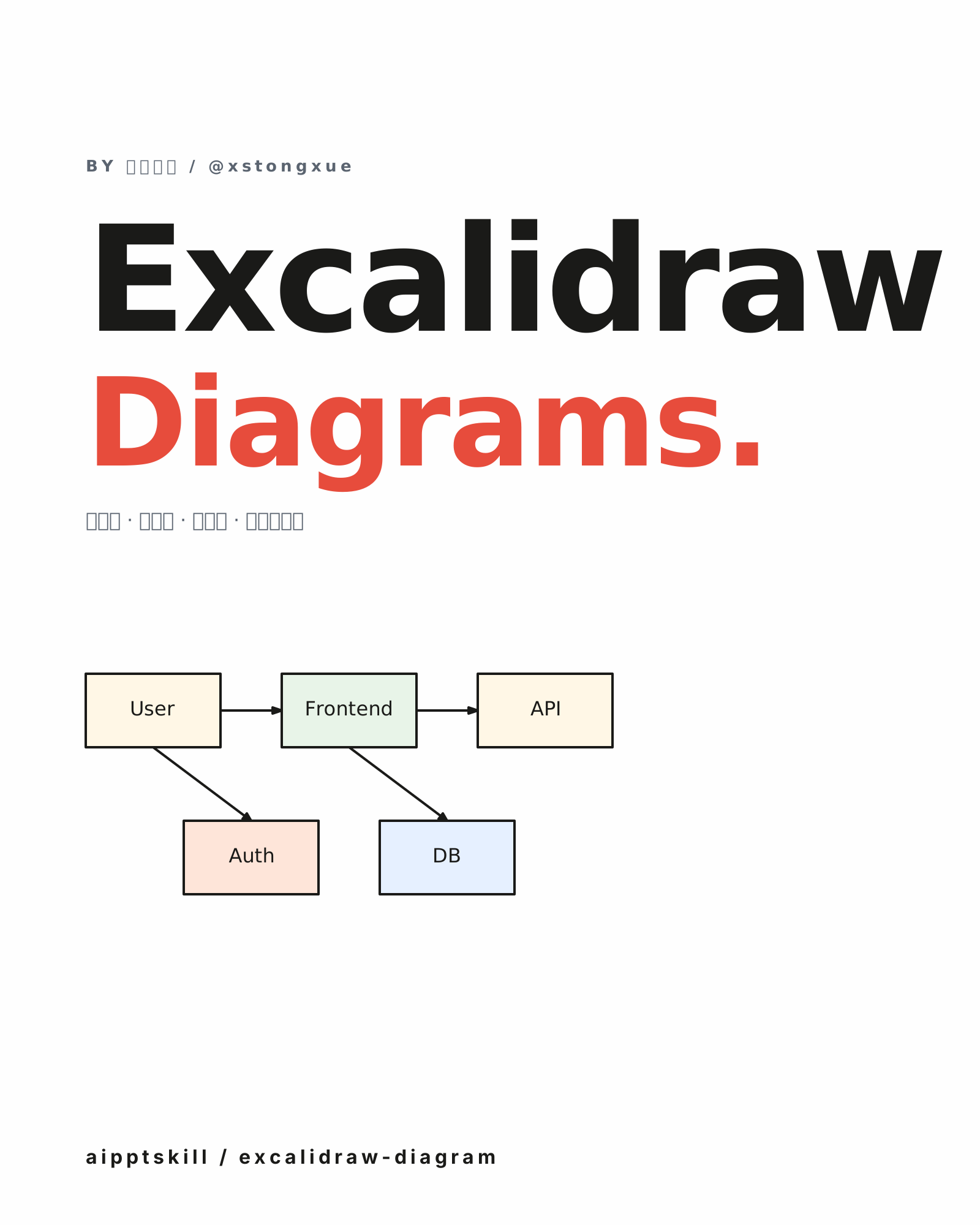
Generate hand-drawn-style architecture, flow, and data-structure diagrams as .excalidraw JSON. Open and continue editing in Excalidraw, Obsidian, or VS Code. By 小帅同学 (@xstongxue).
Mermaid Tools Skill
Extract Mermaid diagrams from Markdown and render them to high-resolution PNG. Perfect for blog posts, README files, and slide decks where SVG isn't supported. By @daymade.
More from 小帅同学 (@xstongxue)
Excalidraw Diagram Skill
Generate hand-drawn-style architecture, flow, and data-structure diagrams as .excalidraw JSON. Open and continue editing in Excalidraw, Obsidian, or VS Code. By 小帅同学 (@xstongxue).

PPT-Gen via Draw.io Skill
Generate multi-page Draw.io decks for thesis defense or general business presentations — auto-export to .pptx. Custom template extraction supported. By 小帅同学 (@xstongxue).
WeChat Article Writer Skill
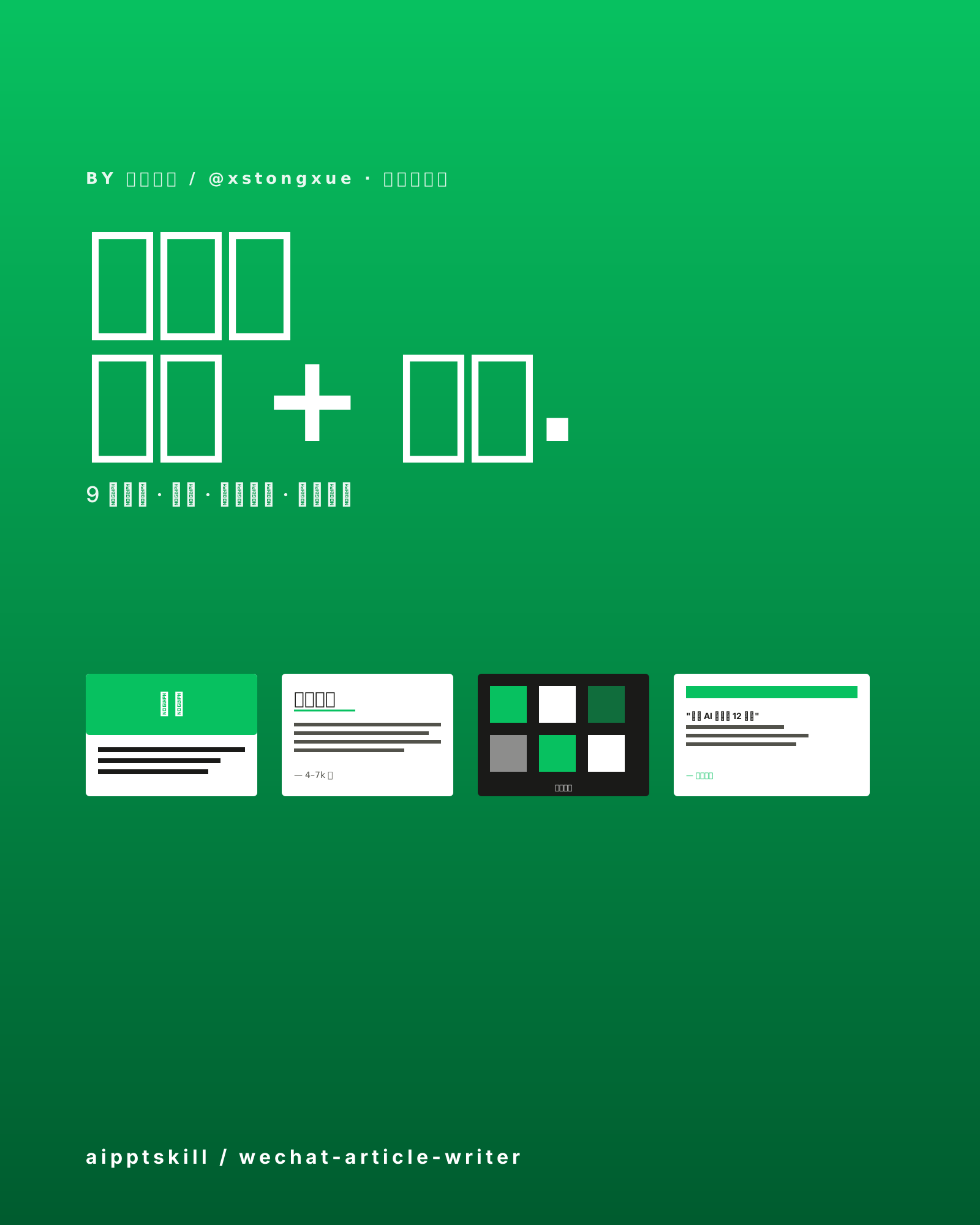
Full-stack WeChat article workflow — write the post, generate cover art, body illustrations, and clone any author's style. Nine writing styles built in. By 小帅同学 (@xstongxue).